
I fix a slow PC in one tap.
Chrome was hogging memory. I freed it.
Memory41%
Chrome · 6.1 GBFreed 3.2 GB

Your agentic PC companion. I live at the top of your screen and fix your PC in one tap.
For Windows 10 and 11
Chrome was hogging memory. I freed it.
I try the fixes in order, until you're online.
Temp files and leftovers. Nothing of yours.
Drop them on me, then drag them out at once.




In your own words. I'll do it, or tell you how.
“Why is my laptop so hot?”

Hi, I'm Revive.
Scroll, and I'll show you what I do.
PicturesDownloadsDesktopWork“Why is my laptop so hot?”
One tap for software problems. Every fix is recorded, and almost all can be undone.
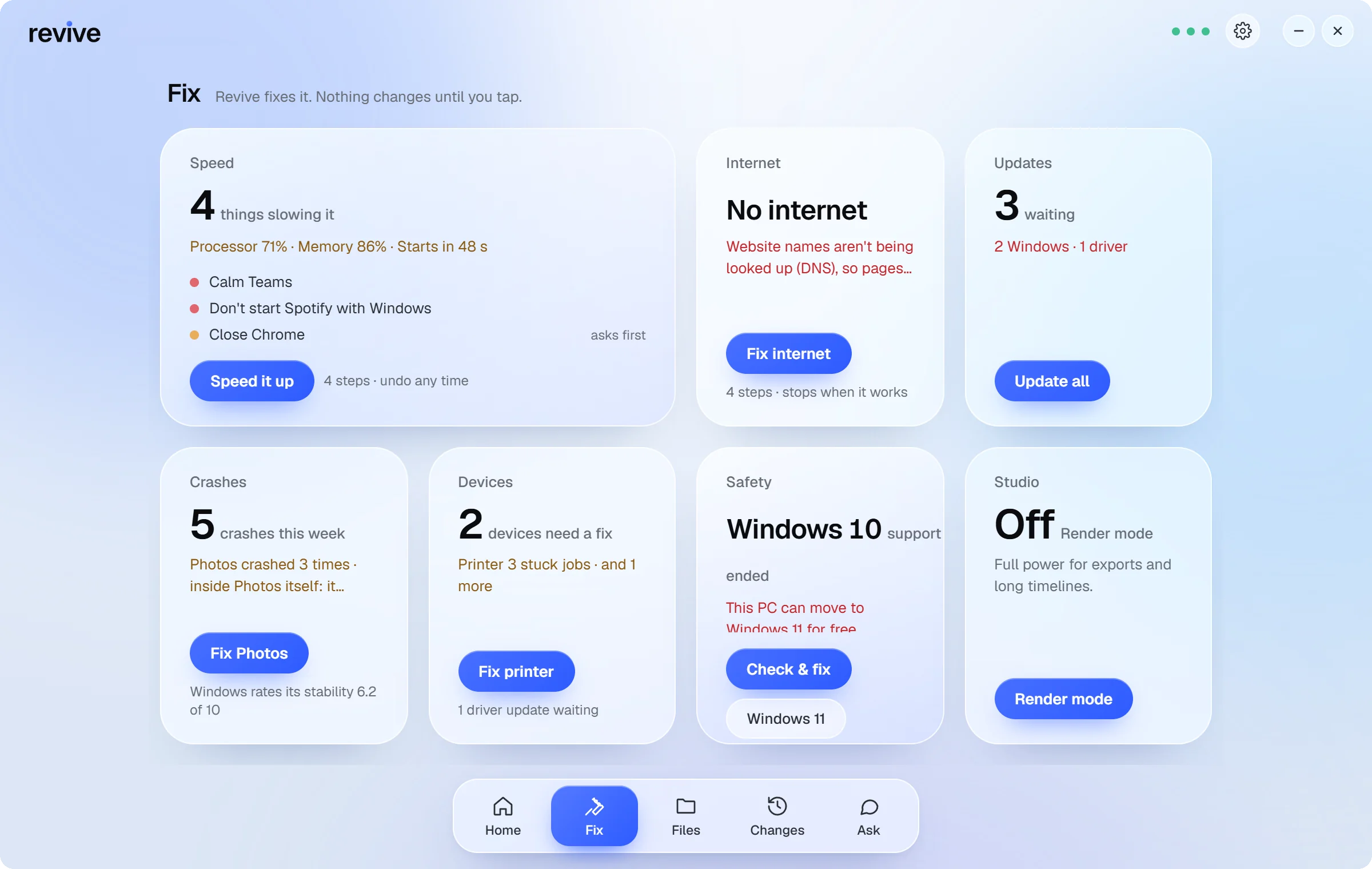
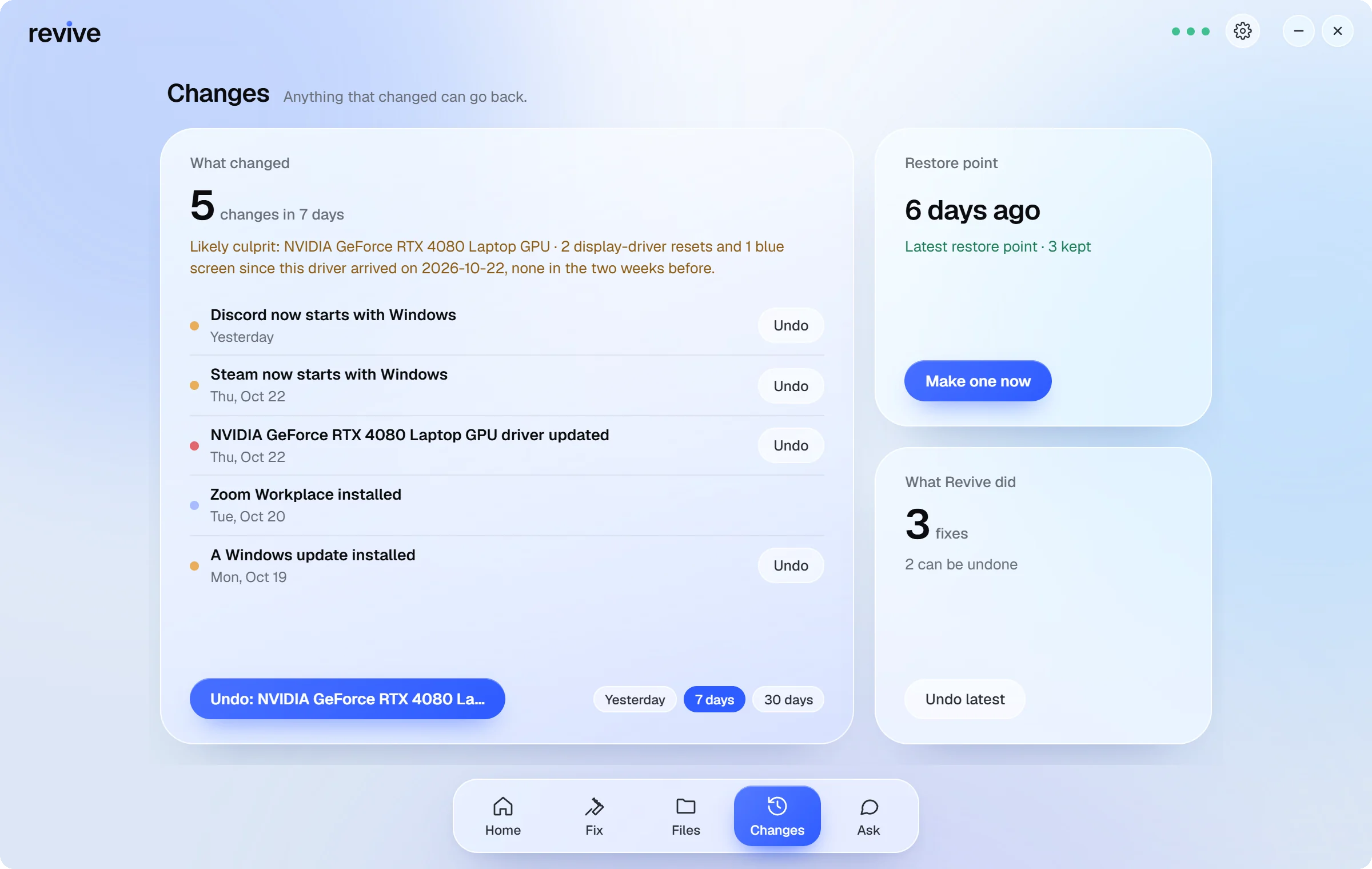
The notch shows what matters, then folds back into a drop.

Drop files from any folder onto the notch, then drag them all out at once.
 logo.pngIMG_2041.jpgIMG_2042.jpg
 IMG_2045.jpgIMG_2047.jpg
 IMG_2050.jpg
 IMG_2051.jpg
 IMG_2053.jpg
 IMG_2058.jpg
 IMG_2060.jpg
 IMG_2064.jpg
 Riya Sharmaonline
Hi! For the client pack I need the invoice, our logo and a couple of the trip photos.2:36 PM
Sure, they're in different folders, give me a sec.2:37 PM ✓✓
Can you send them before 5?2:38 PM
Dragging files, press Shift: convert, compress or resize, right there.
IMG_2041.jpgIMG_2042.jpgIMG_2045.jpgIMG_2047.jpgIMG_2050.jpgIMG_2051.jpgIMG_2053.jpgIMG_2058.jpgIMG_2060.jpgIMG_2064.jpgSaved IMG_2041_1080.jpg · 1920 × 1280 px, next to the original
ShiftRevive holds its suggestions until your call ends.





Coming soon Meeting assist: answers from your own files, opt-in
Creator, Developer and Work / IT add Ask & Voice and tools for your own apps.
Request an invite. Free for everyday PCs.
